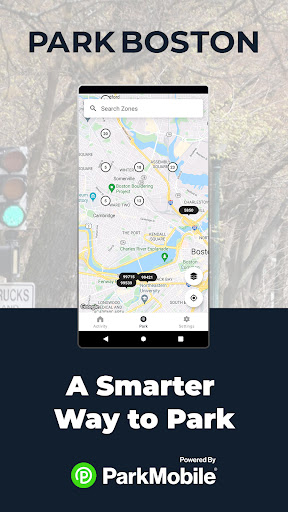

ParkBoston app is your ultimate parking companion in the bustling city of Boston. With its intuitive design and comprehensive features, this app simplifies the parking process and enhances the overall experience for users.
A standout benefit of ParkBoston is its online payment system, allowing users to pay for parking directly from their smartphones. No more hassle with coins or outdated meters – with ParkBoston, payments are quick, secure, and efficient.
Moreover, ParkBoston provides real-time updates on parking availability, ensuring users can easily find parking spots nearby. The app also offers features such as parking session reminders and remote session extension, giving users full control over their parking experience.
Why Use the ParkBoston app?
• Skip the meter and easily pay for parking from your mobile device
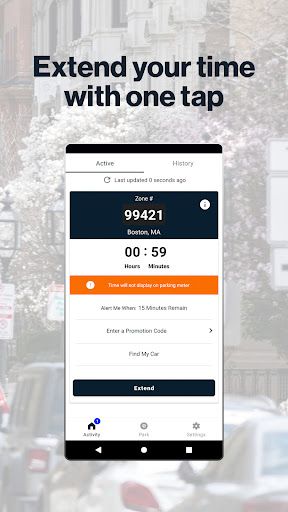
• Extend your parking duration remotely from the app
• Get alerts so you know when your parking session is going to expire
• Use ParkMobile in over 3000 locations coast-to-coast including venues, airports, and universities
• Use the GPS feature to find the closest ParkBoston spots
How to Set Up Your Account
• Download the ParkBoston app and create an account with your email address and password
• Enter your license plate number and the state where your vehicle is registered
• Add your method of payment and start using the ParkBoston app
How It Works:
On-Street and Off-Street Parking:
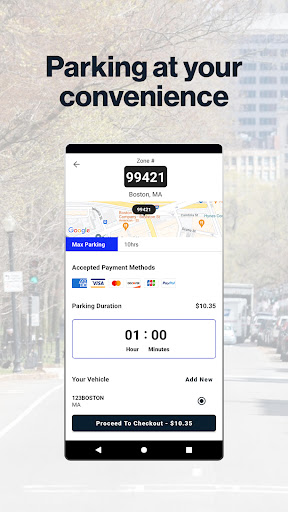
• Enter the zone number on the posted signs and stickers around the parking spot
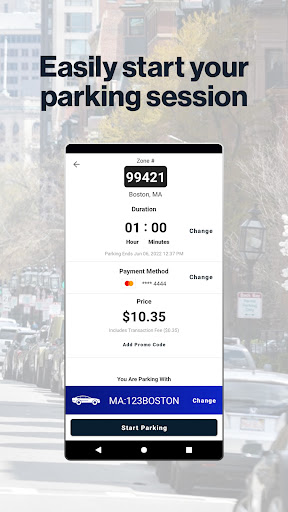
• Select the amount of time you want to park and confirm your information
• Touch the “Start Parking” button to begin your parking session
• Extend time in the app if you are running late
App Features
• Customizable notifications delivered via email, text, and/or app
• Save your favorite parking locations for next time
• Store up to five cars in your account
• “Find your car” feature directs you back to the location where you parked
• Multiple payment methods available